Support 24/7
Contact IPTV Singapore: WhatsApp, email or chat
Contact IPTV Singapore support any time, before or after you buy. WhatsApp is fastest for setup help, email suits orders and refunds, and the chat bubble on this site is ideal for quick questions.
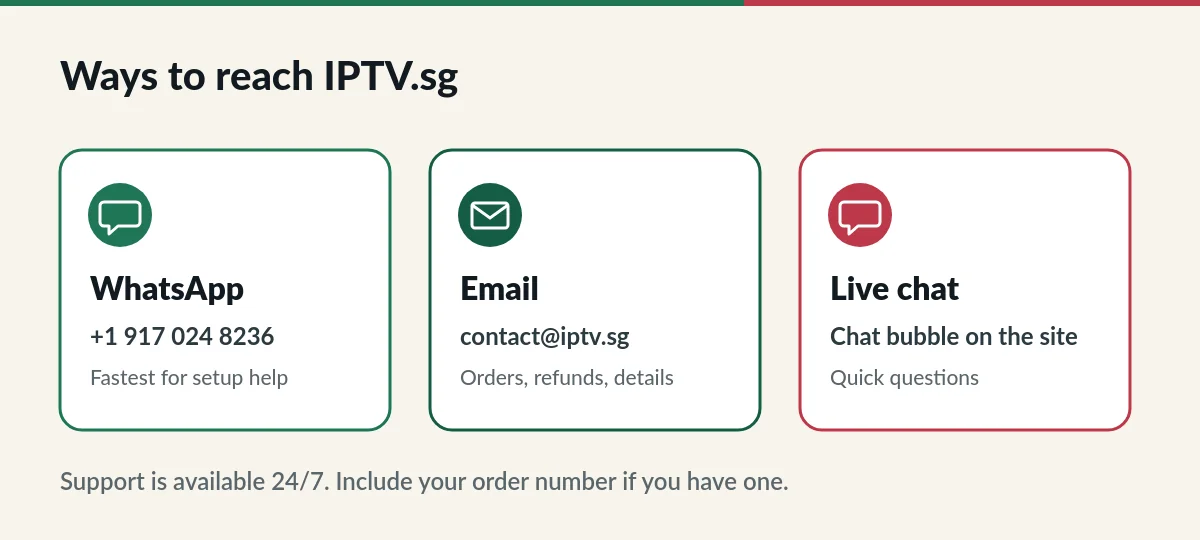
Ways to contact IPTV Singapore
| Channel | Details | Best for |
|---|---|---|
| +1 917 024 8236 | Setup help, quick questions, sending photos of your screen | |
| contact@iptv.sg | Orders, renewals, refunds and anything you want in writing | |
| Live chat | Chat bubble at the bottom of every page | Short questions while you browse |
What to include in your message
- Your order number, if you have one.
- Your username, but never your password.
- Your device and app name, for example “Samsung TV, Hot Player”.
- A photo or screenshot of any error message.
With these details we can usually answer in one reply instead of several.
Which channel for which question?
- Choosing a plan: WhatsApp or chat. You can also compare plans on the IPTV subscription Singapore page.
- Setting up a device: WhatsApp, so you can send a photo. Our IPTV setup guide covers the usual steps.
- Renewals: email or WhatsApp with your username. See IPTV renewal.
- Refunds: email with your order number. See the IPTV refund policy.
- Copyright or privacy requests: email. See our copyright policy and privacy notice.
Contact IPTV Singapore before you buy
Not sure which plan fits your home, whether your TV works or whether a channel you need is in the line-up? Ask us first. Tell us how many people watch at the same time, which devices you use and what you like to watch, and we will suggest a plan. There is no obligation to buy.
Contact IPTV Singapore about an existing order
For an existing order, start your message with your order number. If you are renewing, add your username. For playback problems, mention the channel or film, the time it happened and what you see on screen. These details help IPTV Singapore support find the cause quickly, whether it is your connection, the app or something we need to fix on our side.
Response times
Support is available 24 hours a day, every day. Most WhatsApp messages are answered quickly; emails about orders and refunds can take a little longer because we check the details first. If you have not heard back, send a short follow-up on WhatsApp with your order number.
Before you write: quick answers
I paid but did not receive my login.
Check your junk or spam folder first. If the email is not there, message us on WhatsApp with your order number and payment reference.
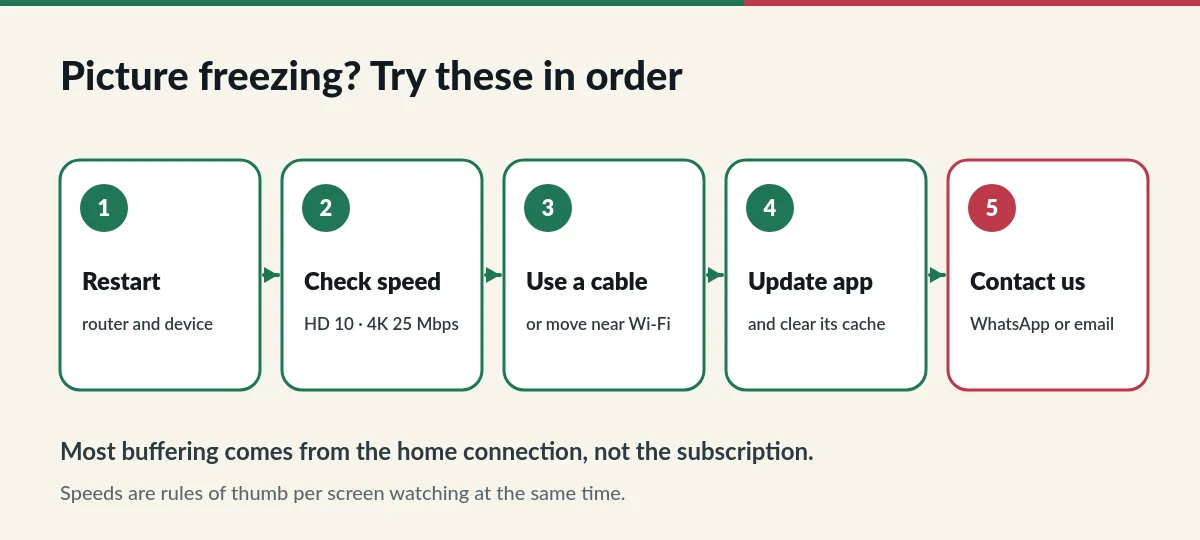
The picture keeps freezing.
Restart your router and device and try a cable connection. The IPTV troubleshooting guide lists more fixes.
Can I call you?
To contact IPTV Singapore, the quickest way is a WhatsApp message, which lets you send photos and keeps a record of our answers. If you need to talk, ask in the chat and we will arrange a call.
Do you have a shop or office I can visit?
IPTV.sg is an online service. All support happens by WhatsApp, email and chat, so you can reach us wherever you are.
WhatsApp works on phones and computers; if you have not used it before, the WhatsApp help centre explains how to start a chat.
Talk to us now
WhatsApp is the fastest way to get help.