Personalisation
Custom IPTV channel list: only the channels you watch
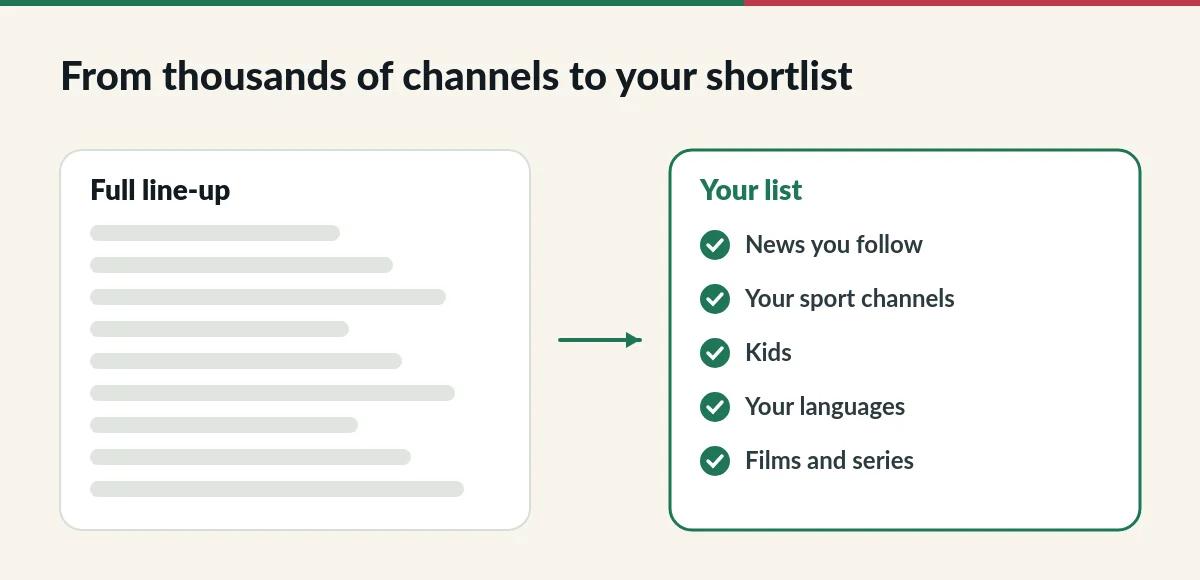
A custom IPTV channel list puts the channels and categories you actually watch at the top of your app, instead of scrolling through thousands. Tell us what you like and we arrange your list.
Why a custom IPTV channel list helps
Standard carries more than 33,000 live channels and Premium more than 56,000. That choice is great, but finding your favourites in a long list takes time. A personalised list groups the channels you want into a few clear categories, so everyone at home finds them quickly.
How to request a custom IPTV channel list
- Send us a message on WhatsApp or email after you order.
- List the countries, languages, categories or specific channels you watch.
- We arrange your list and tell you when it is ready. Refresh or restart your app to see it.
Ideas for your personalised list
- News channels in the languages spoken at home.
- The sport channels you follow.
- A kids category with cartoons and family channels.
- Asian and international channels next to local Singapore TV.
- Music and lifestyle channels for background viewing.

Changing your list later
Your tastes change, and so can your list. Message us whenever you want to add or remove channels. Channel line-ups also change over time; if a channel you need disappears, tell us and we will check for an alternative. Many player apps also let you mark favourites yourself: see the IPTV setup guide. The idea is similar to the electronic programme guide on a traditional TV.
Examples of a custom IPTV channel list
- Family with young children: local news, a kids category, family films and two or three entertainment channels.
- Sport fan: the sport channels you follow at the top, then news and films.
- Multilingual home: one category per language spoken at home, so everyone finds their channels quickly.
- Film lover: film channels and a shortcut to the on-demand library.
What to include in your request
The more specific you are, the better your list. Mention countries, languages and categories, and name any channel you must have. If you share your plan with others, ask each person for their top channels first. Tell us which device and app you use, because the way categories appear can differ between apps.
Questions about custom channel lists
Does a custom list remove channels from my plan?
Your list changes what you see first in the app. Ask us if you want the rest of the line-up hidden or kept in the background.
Can each Premium account have a different list?
Yes. Premium accounts are separate, so each can have its own list. Tell us the usernames and what each person wants.
Can I ask for changes later?
Yes. Send us a message whenever you want to add or remove channels.
Do I need a special app for a custom channel list?
No. Your custom channel list works in the player app you already use, such as Hot Player or another compatible app. Categories may look slightly different from one app to another, but the channels you asked for appear in the same groups.
A tidy channel list also makes the service easier for guests and older family members: fewer choices on screen, larger groups, and the channels they know at the top.
Want your own channel list?
Send us your favourite countries, languages and categories.