Page
IPTV service Singapore
What you get, prices and how it works.
Comparison
IPTV and cable TV both bring live channels to your sofa, but they get there differently. Here is how each one works, what you need, how you pay, what affects the picture and which one fits a Singapore home.
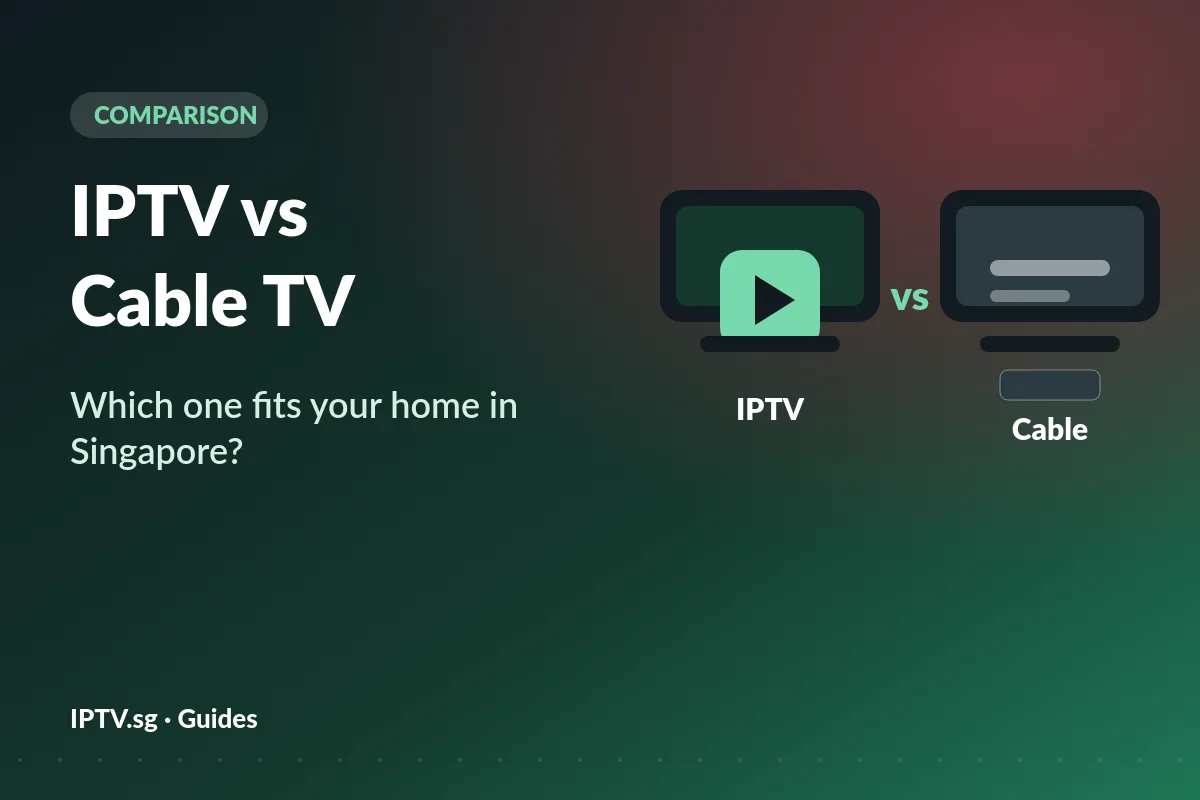
Cable television and most telco pay TV send channels to a set-top box under your TV, over a line the company runs. IPTV sends the same kind of channels over the internet, as data, to an app on a smart TV, streaming stick, phone or computer.
That one difference explains most of the IPTV vs cable TV differences: what you need at home, how you pay, and how many rooms you can watch in. Our IPTV service Singapore page shows what an IPTV service includes.
Streaming apps are a third option, with their own films and series; our guide to OTT vs IPTV explains how they differ from IPTV.
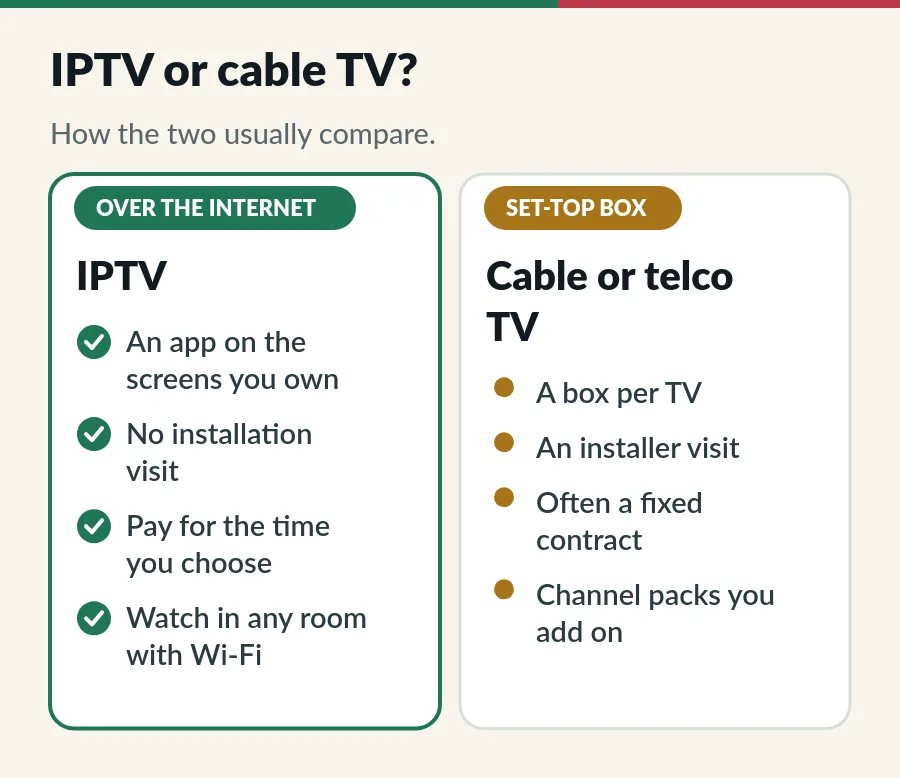
| IPTV (IPTV.sg) | Cable or telco TV (usually) | |
|---|---|---|
| How it arrives | Your home internet | The operator’s line to a box |
| Equipment | An app on the screens you own | A set-top box for each TV |
| Installation | You install an app yourself | Often an installer visit |
| Paying | Once, for 1 to 12 months or lifetime | A monthly bill, often on a contract |
| Screens | 1 to 3 at the same time, any room | One per box |
| On demand | 130,000+ films and series included | Depends on the package |
Rooms are one of the biggest differences in IPTV vs cable TV. With a set-top box, the TV that has the box is the TV that gets the channels; another room usually means another box. With IPTV, any screen with an app and a Wi-Fi signal works, and you choose how many can play at once: Standard shares one account across 1 to 3 devices, Premium gives 1 to 3 separate accounts. The IPTV on multiple devices guide explains the difference.
When you compare IPTV vs cable TV on cost, remember that a traditional pay TV bill usually combines a monthly fee, channel packs and, sometimes, box or installation charges, on a fixed contract. IPTV.sg works differently: you pay once in S$ for the time you choose, from S$15 for a month on one device, and nothing renews automatically. Every price is on the plans and prices page, and our guide to the IPTV price in Singapore works out the real cost per month.
To compare fairly, add up a full year on each side, including every box and fee, and check which channels and screens each price includes. Standard vs Premium explains our two levels.
Picture quality is the part of IPTV vs cable TV where your home network matters. IPTV depends on your home internet, and in particular on the Wi-Fi between the router and the TV. Allow about 10 Mbps per HD screen and 25 Mbps in 4K; most Singapore fibre plans are far faster. A cable to the TV, or Wi-Fi close to the router, keeps the picture steady. A set-top-box service runs on the operator’s own line, so a busy home network affects it less. If an IPTV picture ever stutters, the troubleshooting guide lists the fixes in order.
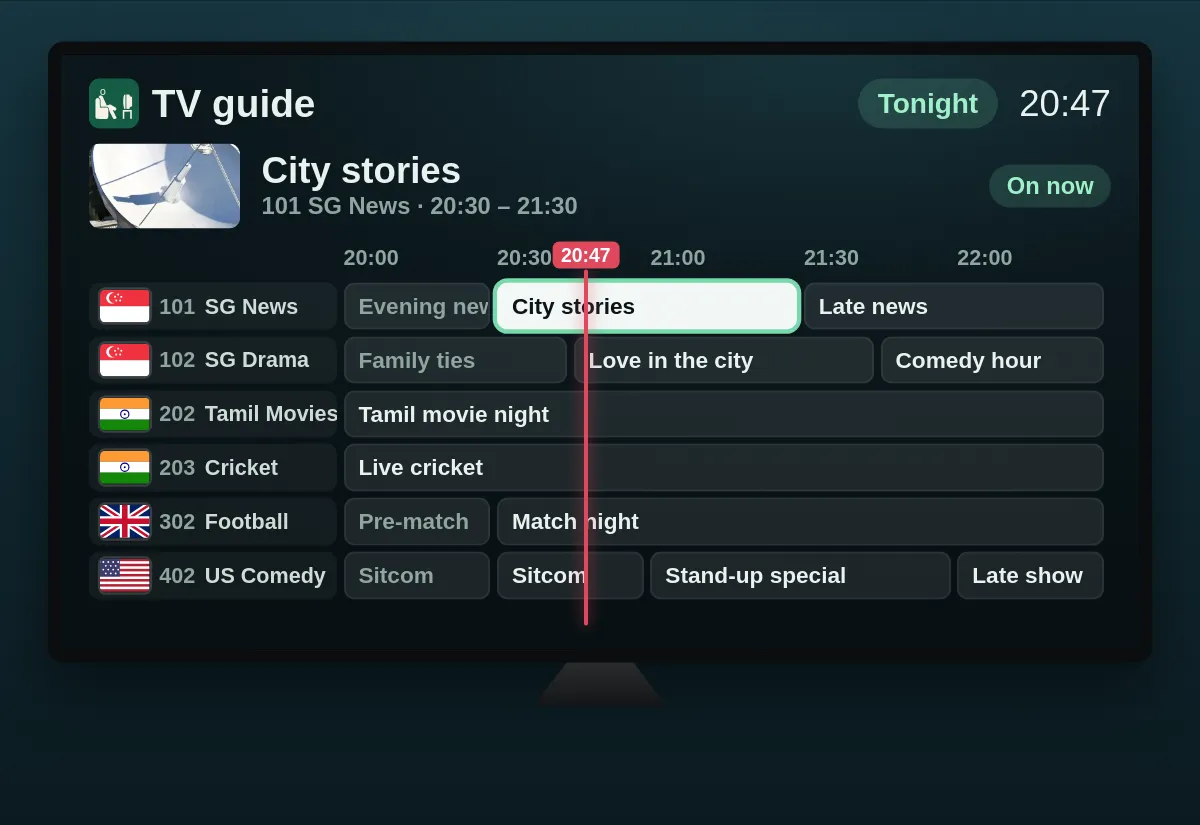
If IPTV vs cable TV comes out in favour of IPTV for you, switching takes four steps:
Ready to try IPTV instead of cable TV? Here is where to go next; the full comparison of what we offer is on the IPTV service page.
No. Both show live channels, but cable TV uses the operator’s line and a set-top box, while IPTV uses your internet connection and an app.
It depends on the package. Add up a full year on each side, with every box and fee, and compare the channels and screens included. Our plans start at S$15 for a month, paid once.
No. A smart TV with a compatible app is enough; a streaming stick helps if your TV has none.
It can be, with a good connection: our streams are 4K, Full HD and HD where available. Wi-Fi strength at the TV matters most.
Yes. Many homes use both, for example a box in the living room and IPTV on other screens.
Page
What you get, prices and how it works.
Guide
Every plan, the real cost per month and the costs people forget.
Guide
What to check in your first week with any IPTV service.
Guide
Nine checks before you pay, and a simple first-month test.
Plans from S$15, paid once in S$, with a written refund rule. Ask us anything on WhatsApp.