Page
What is IPTV?
A plain-English guide to TV over the internet.
Comparison
OTT and IPTV both bring TV over the internet, but they are not the same thing. Here is what each word means, how each one reaches your TV, how they differ on apps, picture and price, and which one fits your home.
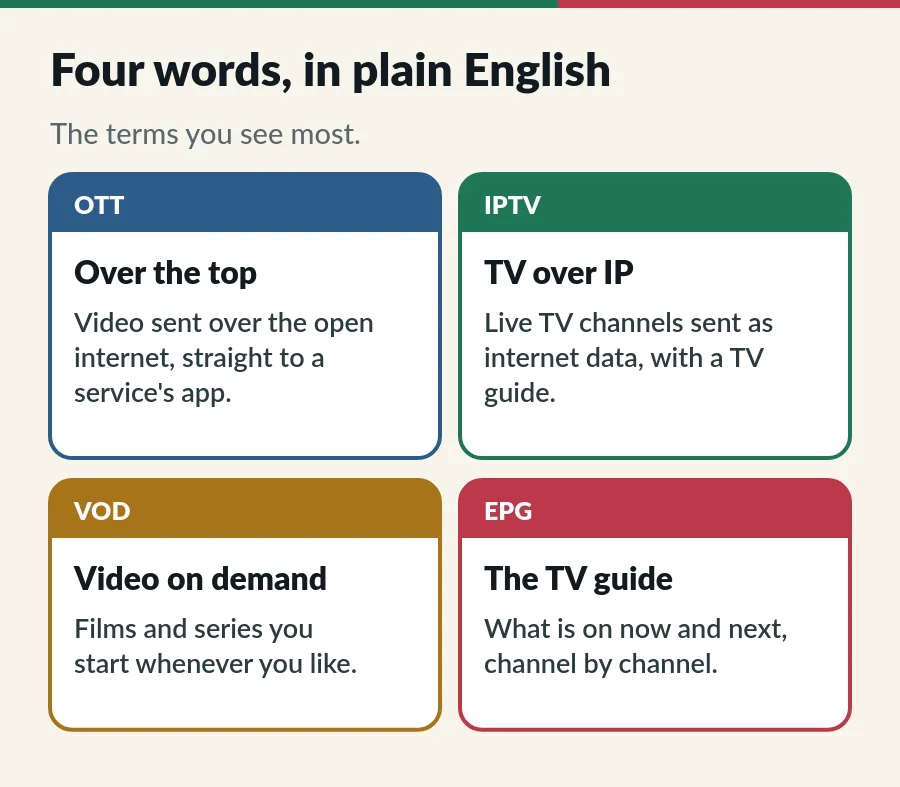
Both words describe how video travels to you, not what is on the screen, which is why people mix them up so often. Here is the plain version of each.
OTT stands for “over the top”. The video travels over the open internet, on top of whatever broadband you already have, straight from the service to its app. Your internet provider only carries the data; it does not run or choose the service. Subscription apps for films and series, a TV channel’s own app and free video sites with adverts are all OTT.
IPTV stands for Internet Protocol Television: TV channels sent as internet data. In the strict sense used by the telecom standards body ITU, IPTV runs on a network the operator manages itself, so it can keep the picture steady, and it usually arrives through the operator’s own set-top box. Many telco TV packages work this way.
In everyday speech, and in this guide, IPTV also means an IPTV subscription: a line-up of live channels with a TV guide, watched in a player app over your normal home internet. That is what we offer at IPTV.sg, and our guide to what IPTV is covers the basics.
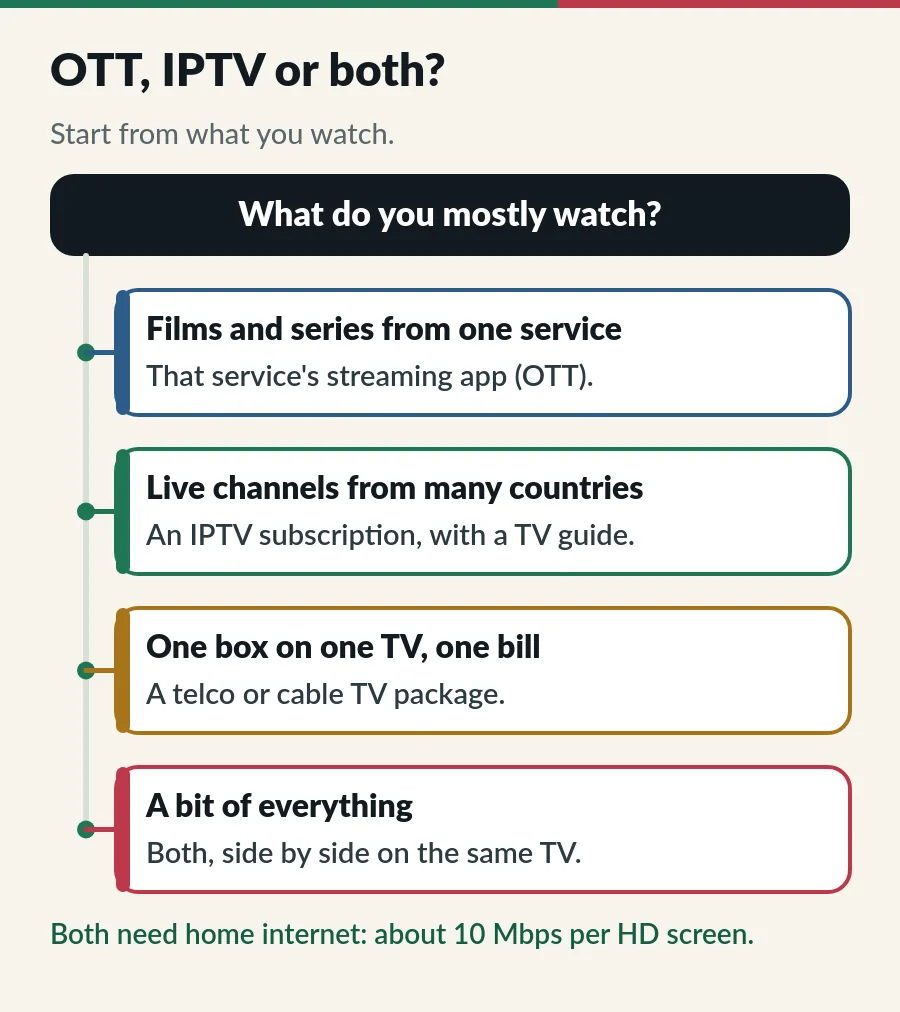
Follow the road the picture takes and the OTT vs IPTV difference becomes clear. At home, you will meet three common setups:
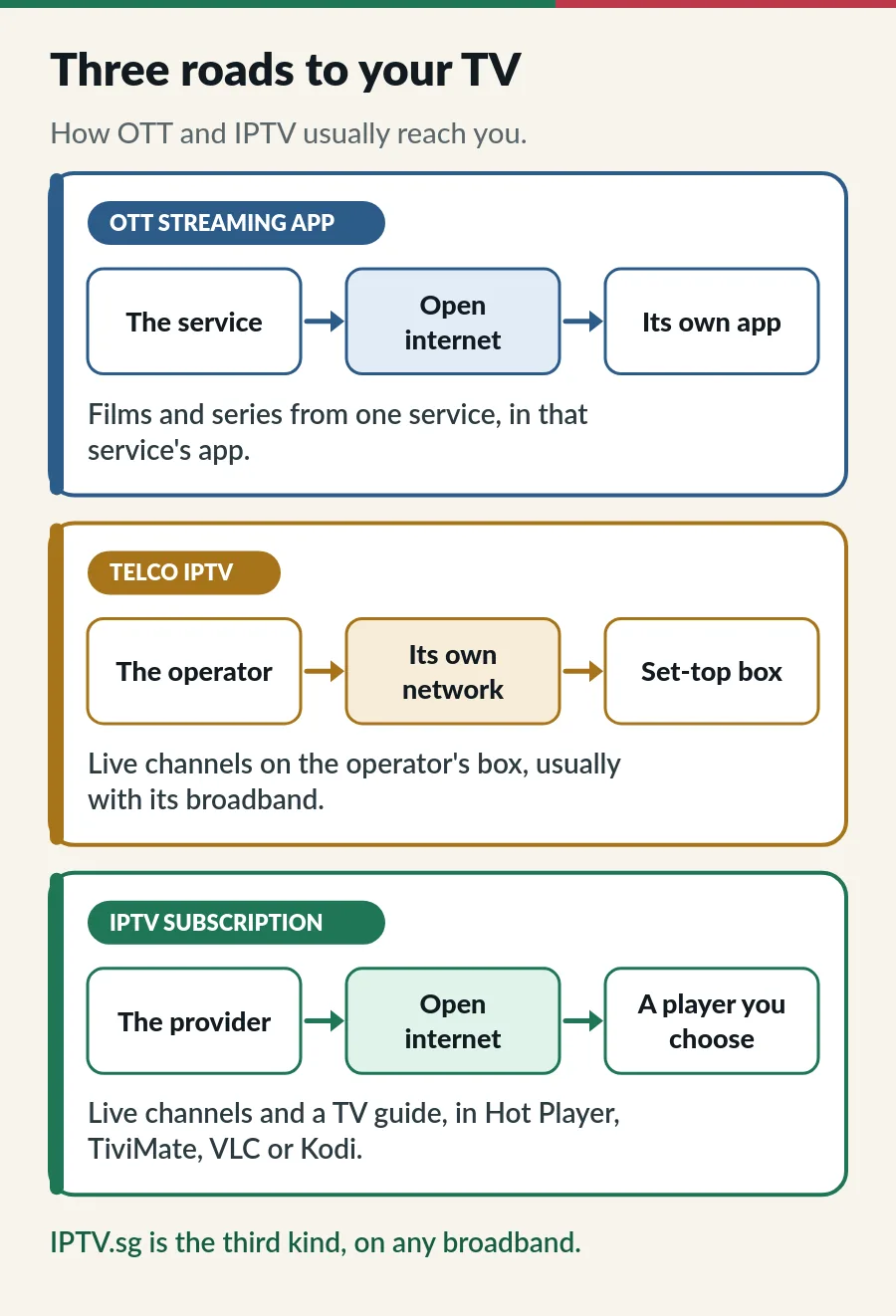
Telco IPTV feels much like cable TV at home: one box, one bill. Our guide to IPTV vs cable TV compares that kind of package with an IPTV subscription.
Seven OTT vs IPTV differences matter day to day. IPTV.sg is the example of an IPTV subscription here:
| OTT streaming app (usually) | IPTV subscription (IPTV.sg) | |
|---|---|---|
| Road | The open internet, any broadband | The same: the open internet, any broadband |
| Main content | That service’s own films and series | 33,000+ live channels (Standard) or 56,000+ (Premium), plus 130,000+ films and series |
| App | Only the service’s own app | A player you choose, such as Hot Player |
| Sign-in | An email account with the service | An Xtream Codes login or an M3U link |
| TV guide | Only for live parts, if any | Yes, for the channels that provide one |
| Paying | Monthly and renewing, or free with adverts | Once, for 1 to 12 months or lifetime |
| Screens | Set by the service’s plan | 1 to 3 at the same time |
Notice the first row: on the road itself, an IPTV subscription and an OTT app are the same. The difference is what travels on it and how you watch it.
OTT services are built around a library. You open the app, pick a film or an episode and press play, and it starts from the beginning whenever you like. Some OTT apps add a few live channels or live events, but the library comes first.
IPTV is built around channels. You flick through a line-up, check the TV guide for what is on now and join a programme already running, like normal TV. An IPTV.sg plan adds an on-demand library of films and series too, so you get both in one app. See what you can watch, or search the IPTV Singapore channels list by country.
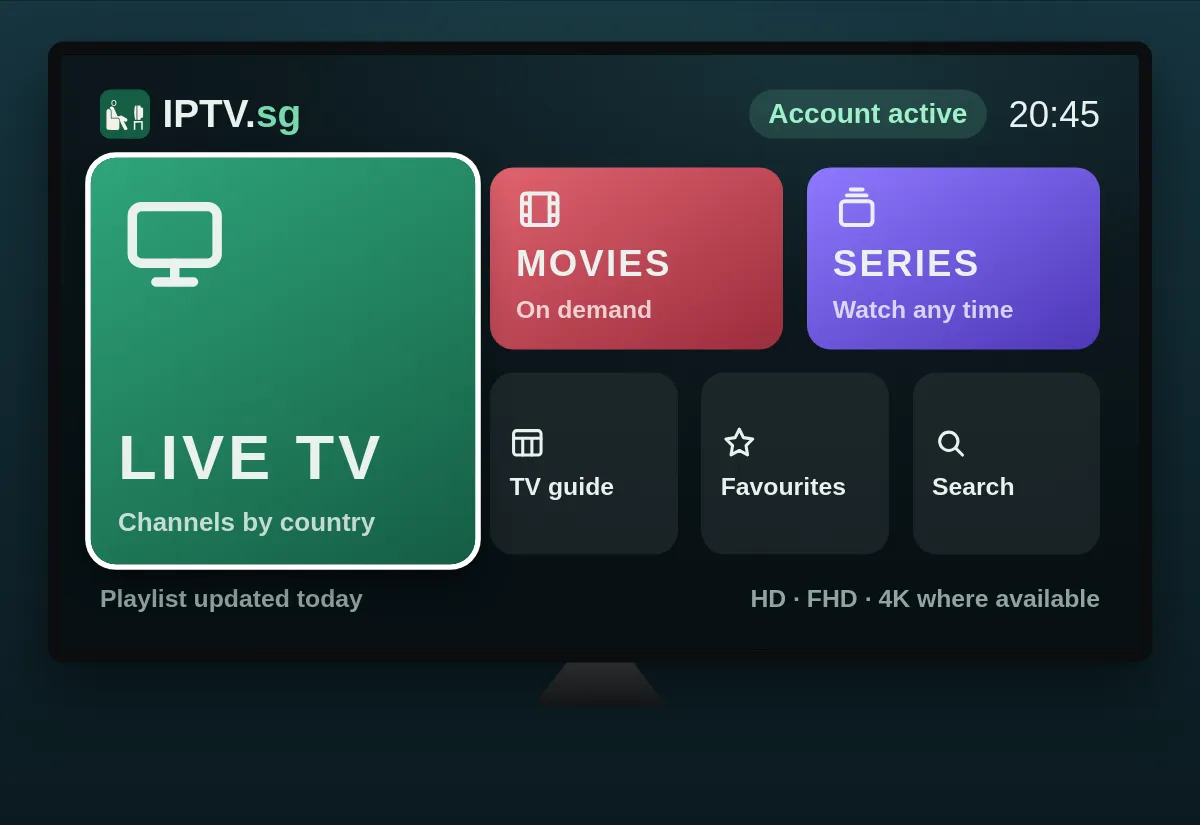
With OTT, the app and the service are one and the same. You sign in with an email address and a password, and the service decides which TVs and phones its app runs on.
An IPTV subscription keeps the two apart. We send you a login and you choose the player: Hot Player is included and we activate it for you, and the same login also works in TiviMate, VLC or Kodi. Our list of the best IPTV player apps compares them.
The login comes in one of two forms: an Xtream Codes login (a server address, a username and a password) or an M3U playlist link. Both bring the same channels, and the TV guide comes from a separate EPG link.
An OTT app and an IPTV subscription use your home internet in the same way, so they need the same speed: about 10 Mbps for each screen in HD and 25 Mbps in 4K. Most Singapore fibre plans are far faster; the Wi-Fi between the router and the TV is usually the weak point.
Two differences are worth knowing. Telco IPTV runs on the operator’s own network, so your home Wi-Fi matters less. And many OTT apps quietly lower the picture quality when the signal drops, while a live IPTV channel is more likely to pause and buffer. A network cable to the TV, or a TV close to the router, solves most of that.
If channels stutter, our IPTV buffering fix goes through the checks in order.
Most OTT subscriptions bill you every month and renew until you cancel. Free OTT services earn their money from adverts instead.
IPTV.sg works the other way round: you pay once for the time you choose, 1, 3, 6 or 12 months, and nothing renews by itself. Plans start at S$15 for a month on one device, and every price is on the plans and prices page. When your plan ends, you renew it and keep the same login. Prefer to pay only once? Lifetime IPTV is Premium for one account, S$499 once.
The honest answer: a bit of both. Our channels travel over the open internet, the same road OTT uses, and not over a network we run. By the strict definition, that makes the delivery OTT.
Everything else works like IPTV: a line-up of live channels, a TV guide, an IPTV login and the player of your choice. That is why services like ours are called IPTV subscriptions, and why the OTT vs IPTV question has two answers, depending on whether you ask about the road or the service.
Decided that an IPTV subscription fits your home? Here is how to start with IPTV.sg.
“Over the top”. It means video sent over the open internet, on top of your broadband, straight to a service’s app, with no cable, satellite or telco TV network in between.
Not quite. Strictly, IPTV runs on a network the operator manages, while OTT uses the open internet. An IPTV subscription like ours uses the open internet too, but it is built like TV: live channels, a TV guide and the player of your choice.
A streaming app with its own films and series and an email login is OTT. An app that loads live channels from an IPTV login or an M3U link is an IPTV player.
Not for an IPTV subscription. A smart TV with a compatible app is enough, or a streaming stick if your TV has none.
No. Both need about 10 Mbps per HD screen and 25 Mbps in 4K. A steady signal at the TV matters more than the speed of your plan.
Yes. Install both apps on the same smart TV or stick and switch between them. They only share your home internet.
Page
A plain-English guide to TV over the internet.
Guide
How each reaches your screen, what it costs and who it suits.
Guide
The three login details, signing in step by step and error messages.
Guide
Six player apps compared by device, sign-in, TV guide and price.
Ask us on WhatsApp which plan fits your home and your screens.