Guide
IPTV lifetime subscription: is it worth it?
The 5-year cost check, and who a lifetime plan suits.
Device guide
A lifetime IPTV plan should outlive any single box. Here is where our lifetime login works, from smart TVs and sticks to phones, the three ways to sign in, and why you do not need to buy a special box.
Search for a lifetime IPTV box and you will find small Android boxes sold “with lifetime subscription”: the hardware and a service in one package. It sounds simple, but the two are tied together. When the box gets slow, breaks or stops getting updates, the “lifetime” goes with it.
Our approach keeps them apart. The lifetime IPTV subscription is the service: S$499 once for the Premium line-up on one account, renewed automatically by our server every 5 years. The device is whatever you already have, and you can replace it whenever you like.
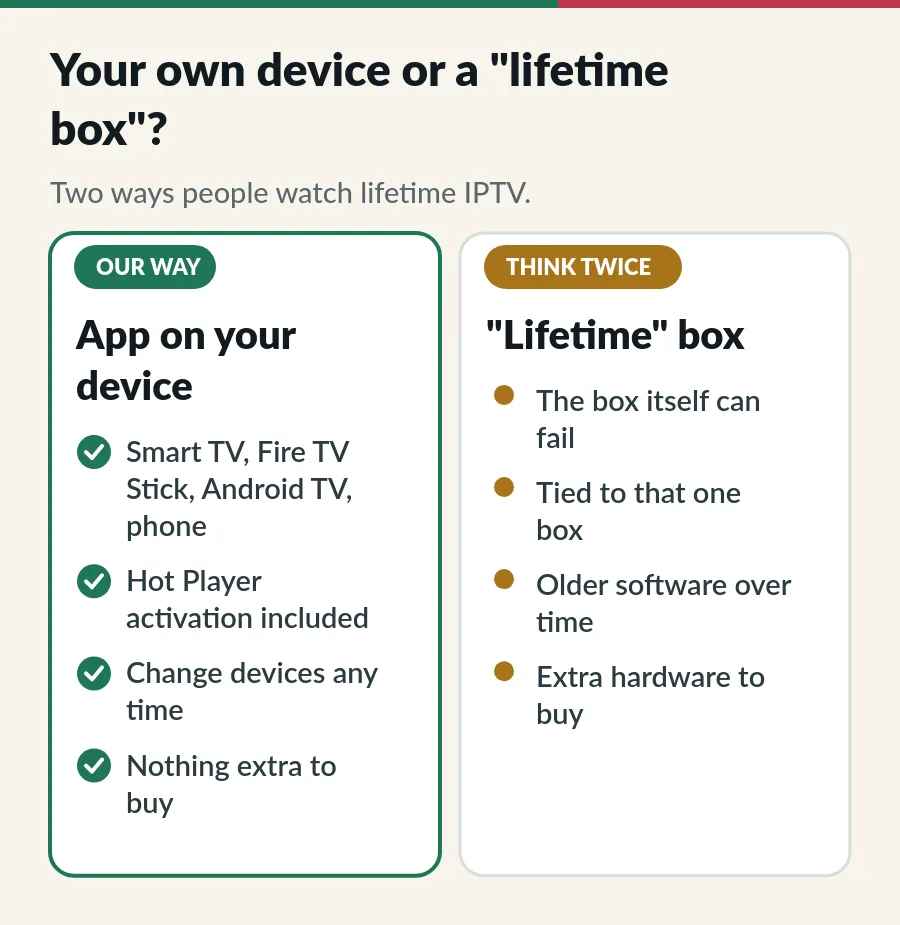
An app on your own device costs nothing extra, gets updates from the official store and moves with you to your next TV. If you do want a box, any good Android TV box or a Fire TV stick does the job; it does not need to come with a subscription or be sold as a lifetime IPTV box. Our guide to what an IPTV box is compares boxes, sticks and smart TV apps.
| Device | How you watch | Our guide |
|---|---|---|
| Samsung smart TV | A player from the TV’s Apps store, activated by us | IPTV on Samsung Smart TV |
| LG smart TV | A player from Apps (LG Content Store on older TVs) | IPTV on LG Smart TV |
| Fire TV Stick | Hot Player, installed with the app code we send | IPTV on Firestick |
| Android TV and Google TV | Google Play first, the Downloader route if needed | IPTV on Android TV |
| iPhone and iPad | Smarters Player Lite from the App Store | IPTV Smarters Pro guide |
| Windows and Mac | A desktop player; VLC plays an M3U link for a quick check | IPTV setup guide |
Not sure about your model? The full list is on IPTV supported devices, or send us the model on WhatsApp.
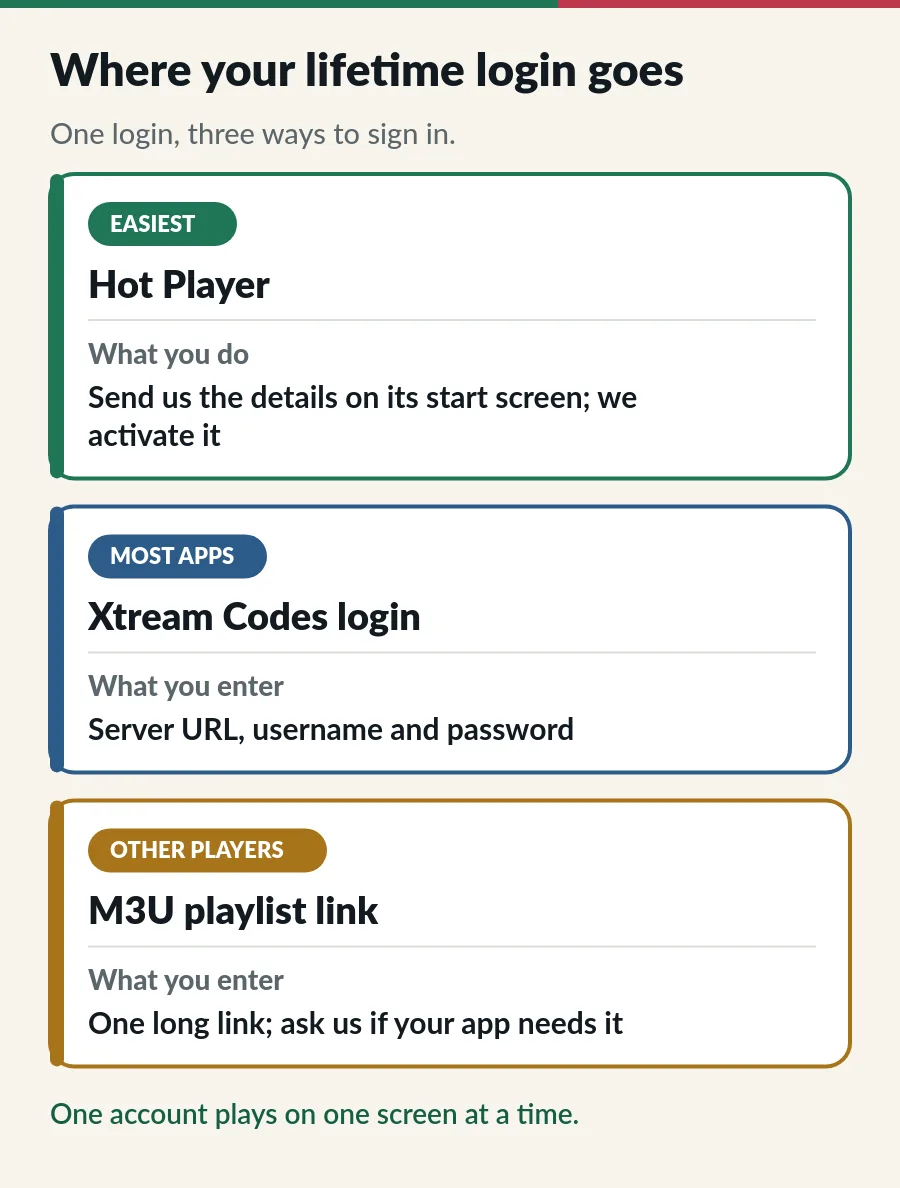
Choosing between apps? Compare the best IPTV player apps for each screen.
Sites that offer a “lifetime IPTV APK” usually bundle an old or modified app, often with adverts or worse. Install apps only from the official store on your device, or with the app code we send you. If an app asks you to pay for channels inside it, it is not the player we mean. Our IPTV APK guide shows where each player’s real download lives.
Over a lifetime plan you will probably replace a TV or two. Moving is simple: sign in on the new device and keep watching, one screen at a time. If you move Hot Player to a new device, message us and we help with the activation. That is the whole point of keeping the plan and the device apart: no lifetime IPTV box to replace, just a new screen to sign in on.
Ready for one payment instead of renewals? See the lifetime IPTV subscription and the lifetime IPTV page.
No, you do not need a lifetime IPTV box. A smart TV with a compatible app, a Fire TV Stick, an Android TV box, a phone or a computer is enough.
If the TV’s store has a compatible player, yes. If not, a Fire TV Stick or an Android TV box on the HDMI port is the easy fix.
Yes, on one screen at a time. Sign in on both; just do not play on both at once.
Your plan is not tied to the box. Sign in on another device and carry on.
Guide
The 5-year cost check, and who a lifetime plan suits.
Guide
What to check before you pay once for years of TV.
Guide
Google Play first, the Downloader route when you need it.
Guide
Developer options, Downloader, your player and sign-in.
Tell us your device and we tell you the easiest app. WhatsApp us any time.