Guide
IPTV on Android TV
Google Play first, the Downloader route when you need it.
Device guide
An IPTV box is a small computer that brings internet TV to your screen. Here is how it works, how it compares with a streaming stick and a smart TV app, whether you need one, and six checks before you buy.
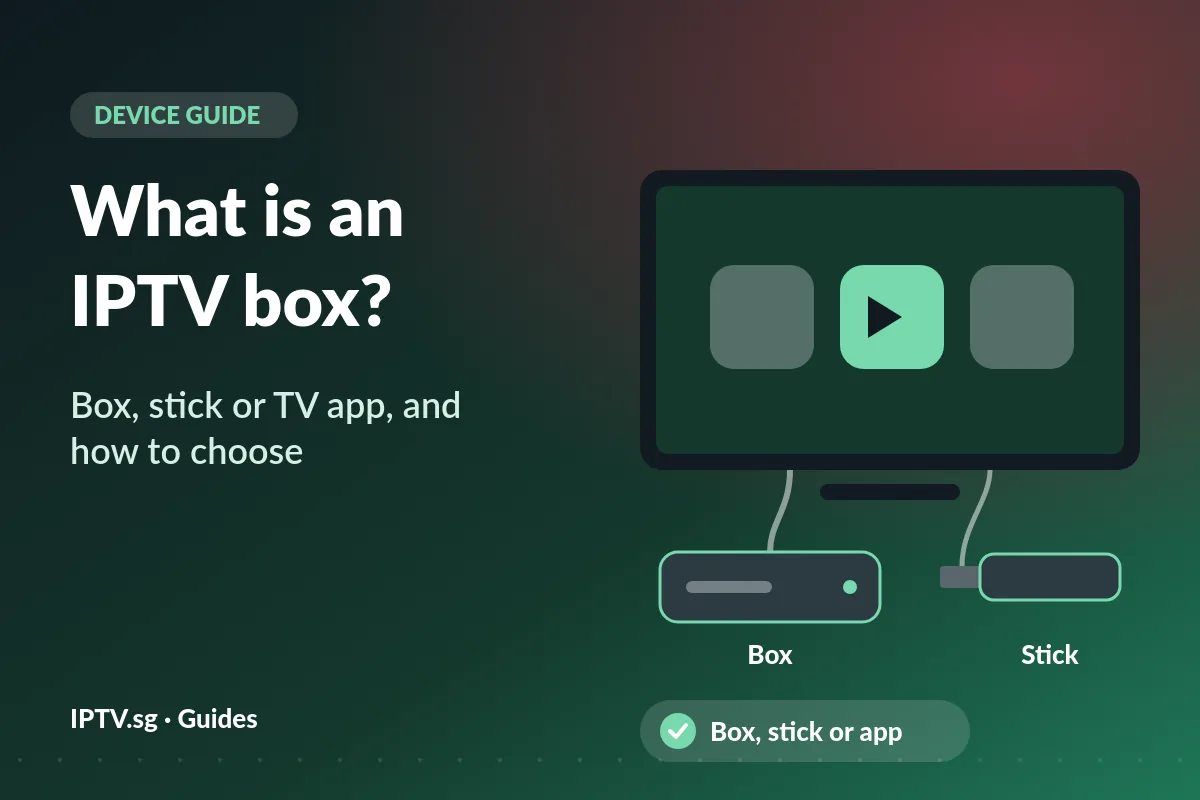
An IPTV box is a small computer for your TV. It sits next to the TV, connects to your home internet by cable or Wi-Fi, and plugs into the TV with an HDMI cable. Inside, it runs apps, and one of them is the IPTV player that shows your channels, the TV guide and films on demand.
The idea is older than streaming. A set-top box was named for sitting “on top” of the TV, and in IPTV it is described as a small computer that talks both ways over an internet network. Today most boxes run Android TV or Google TV, the version of Android made for a TV and a remote, so the words IPTV box, IPTV set top box and Android TV box usually mean the same kind of device.
One thing an IPTV box is not: the service. The box is the hardware; the channels come from an IPTV subscription such as an IPTV.sg plan, which you sign in to on the box. Keep that split in mind and most of this guide follows from it.
Follow the picture from the internet to your screen and an IPTV box is easy to understand:
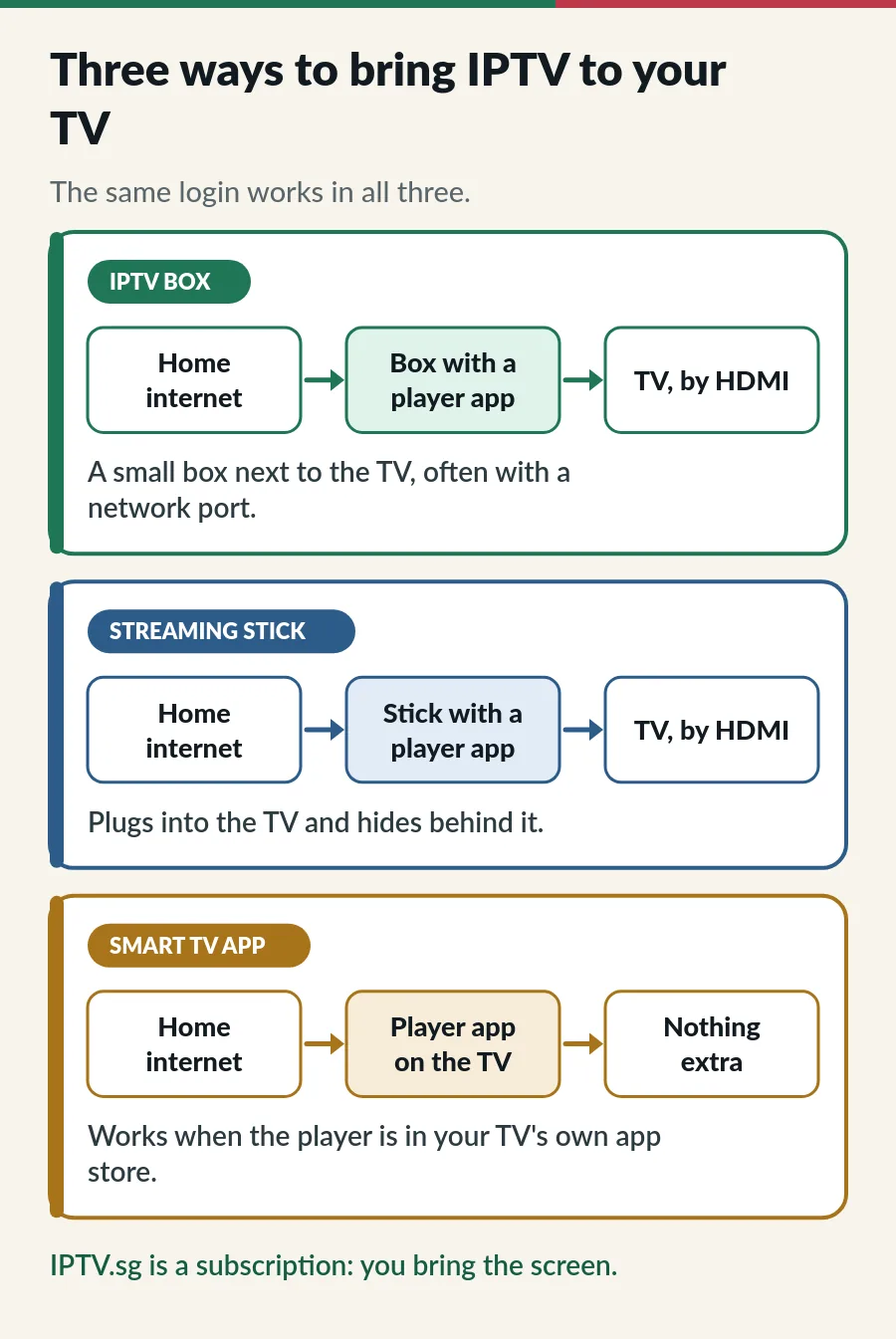
A streaming stick works the same way in a smaller body, and a smart TV can run the player itself, with nothing in between. The login is the same in all three: an Xtream Codes login or an M3U playlist link, or a Hot Player activation that we do for you.
All three show the same channels. Where they differ is the extra cost, the connection and which apps you can install:
| Smart TV app | Streaming stick | IPTV box | |
|---|---|---|---|
| What it is | A player installed on the TV | A small stick in the HDMI port | A small box next to the TV, on HDMI |
| Extra cost | None | A stick | A box |
| Connection | The TV’s Wi-Fi or network port | Mostly Wi-Fi | Often a network port and Wi-Fi |
| Apps | The TV’s own store | The stick’s store | Google Play on certified boxes |
| Best for | Newer smart TVs | Older TVs, a tidy setup | Big 4K TVs, a cable to the router |
Samsung and LG TVs run their own systems, so you install a player from the TV’s Apps store; our guides to IPTV on Samsung Smart TV and IPTV on LG Smart TV show how. Most Fire TV Sticks run Fire OS, which is based on Android, but some newer models run Vega OS and only install Amazon Appstore apps; our IPTV on Firestick guide explains the difference. Apple TV is a box too, with apps from the App Store: see IPTV on Apple TV.
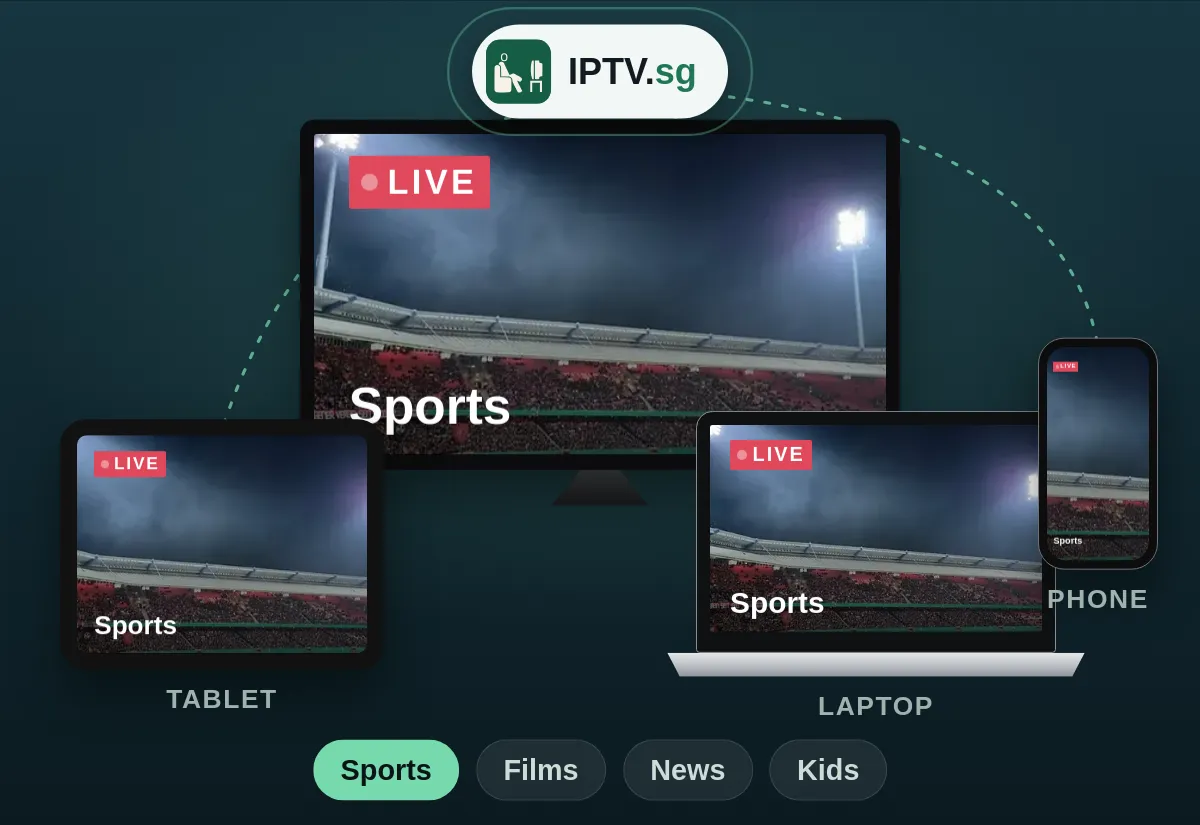
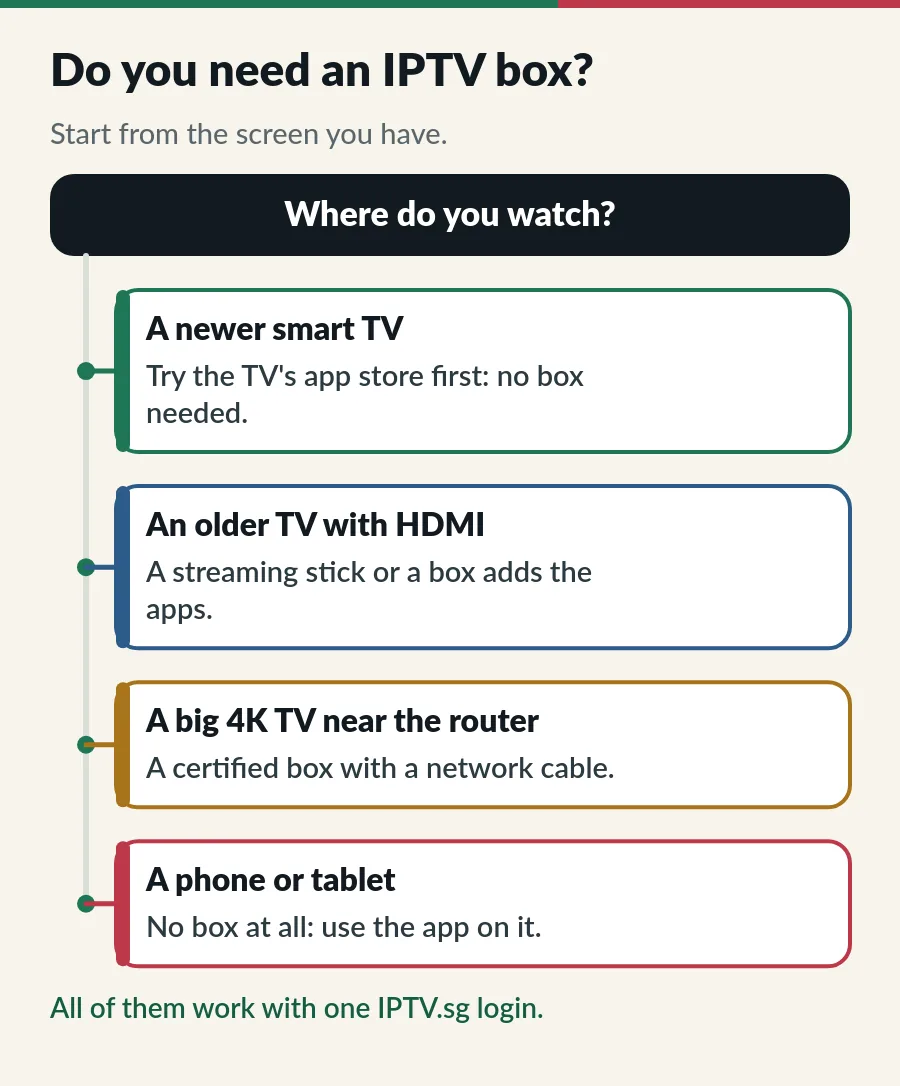
Every IPTV.sg plan runs on the devices you already own, so start with what you have and buy a box only if something is missing.
Many homes already have a set-top box from their broadband or TV operator. That box is built for the operator’s own channels, over the operator’s own network, and it usually cannot install other apps, so it is not an IPTV box in the sense of this guide. Our guides to IPTV vs cable TV and OTT vs IPTV explain how the two kinds of TV differ.
You can keep both: the operator’s box on one HDMI port and an IPTV box or stick on another, and switch with the TV’s input button.
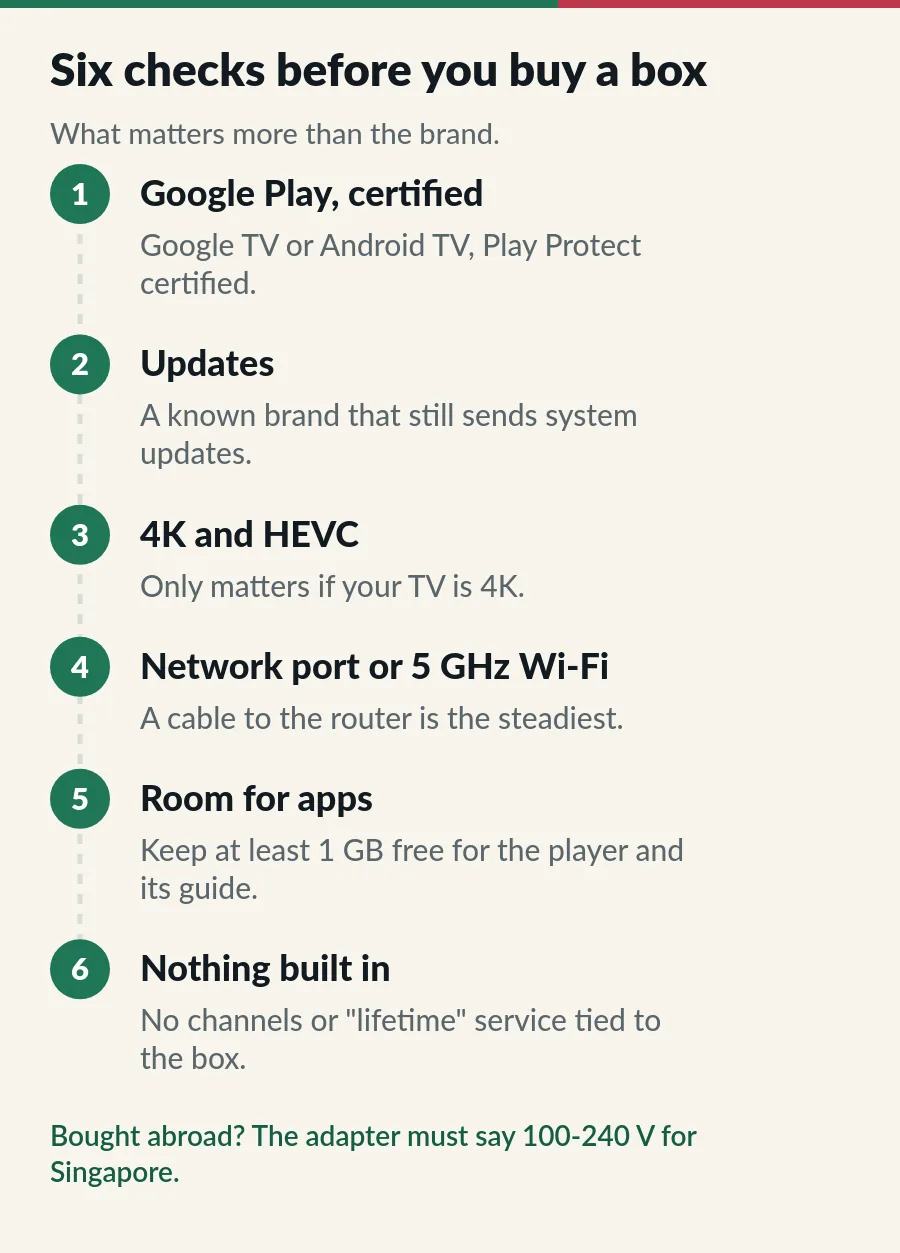
Bought the box abroad? Singapore runs on 230 volts with three-pin Type G plugs, so check that the power adapter says 100-240 V before you plug it in.
Cheap boxes with no brand often run a plain phone version of Android, without Google Play, and many never get an update. In 2023 Google said that TV boxes found with malware were built on the Android Open Source Project and were not Play Protect certified. That is why the first check above matters most.
Setting up an IPTV box takes about ten minutes the first time:
Picture pausing? Move the box closer to the router or use a cable first, then work through our IPTV buffering fix. The IPTV setup guide has the steps for every other device.
Box ready, or happy with the TV you have? Here is how to start watching with IPTV.sg.
A small device that connects your TV to the internet and runs an IPTV player app. You sign in with your IPTV login and the box sends the picture to the TV through HDMI.
Usually, yes. Most IPTV boxes today run Android TV or Google TV. What matters is that the box is Play Protect certified, with the real Google Play.
No. A smart TV with the player in its app store, a streaming stick, a phone, a tablet or a computer works too. A box is one option, not a requirement.
Usually not. An operator’s box is built for its own channels and rarely installs other apps. Keep it for that service and add a stick or a box for IPTV.
No. We provide the subscription, and it works on the devices you already own or choose to buy.
Yes. Sign in on the new box; one account plays on one screen at a time. If you use Hot Player, message us and we help with the activation.
Guide
Google Play first, the Downloader route when you need it.
Guide
Developer options, Downloader, your player and sign-in.
Guide
Do you need a US IPTV box? Usually not: here is why.
Guide
Where your lifetime login works, from sticks to smart TVs.
Tell us your TV or box and we tell you the easiest app. WhatsApp us any time.