Page
My IPTV
MyIPTV Player, look-alike apps and your login.
Help guide
Lost track of who sold you your IPTV login? Here is how to find your provider in minutes, find your login and expiry date, what to do if it came with a box and how to reach us if your provider is IPTV.sg.
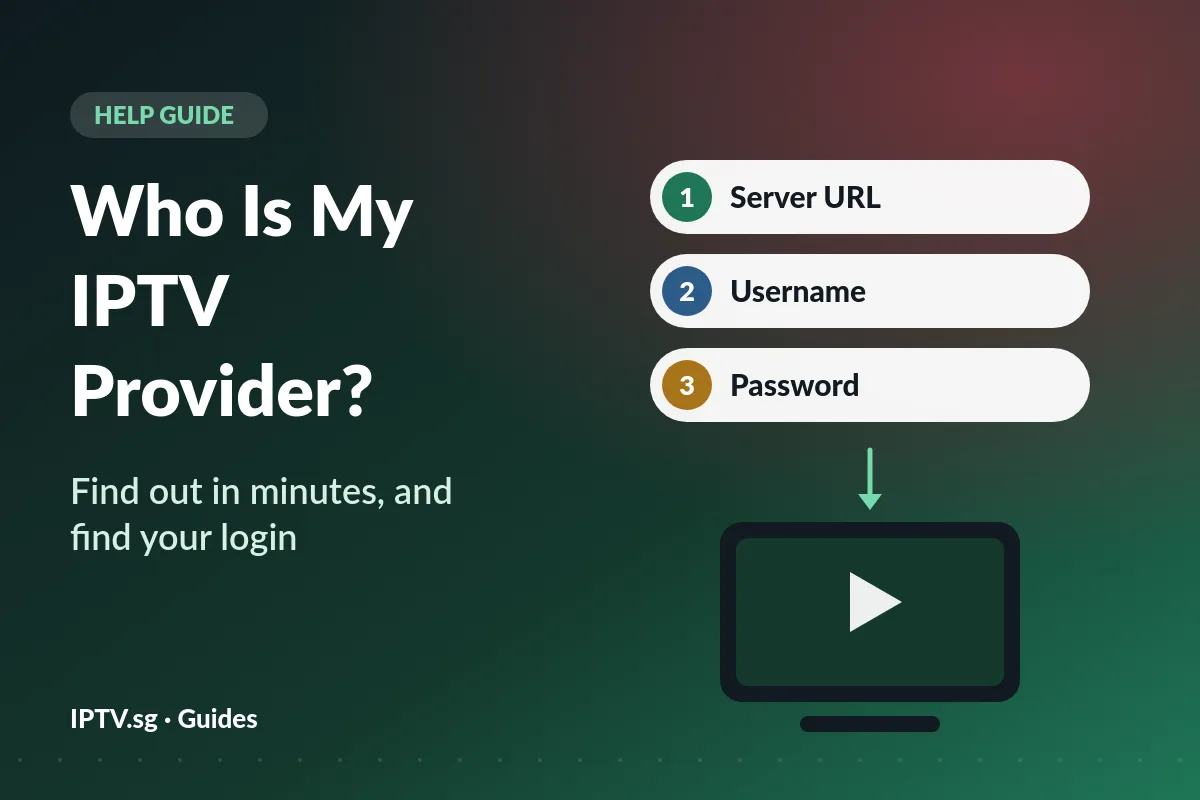
Three different companies can sit behind your TV. The provider sells the subscription: the channels, the films and series and your login. The app maker builds the player you watch in. A shop may have sold you the box. When you ask “who is my IPTV provider”, you are asking who sold the login. Our My IPTV page explains the apps and boxes that share that name.
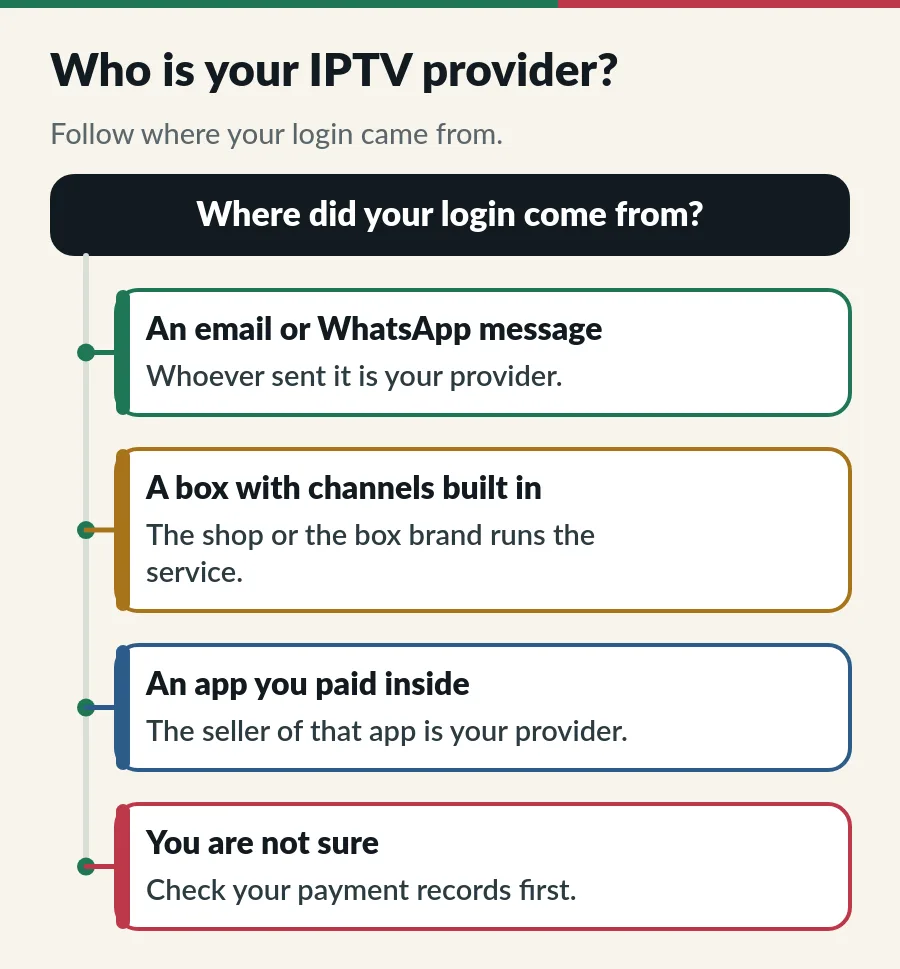
To answer “who is my IPTV provider” for certain, follow the trail of your login. Four places tell you:
Once you know who is your IPTV provider, finding the login is easy. Your login is usually a username and a password, sometimes with a server URL, or a single M3U link. Keep it private, because anyone with it can use your plan. If an app asks for details you cannot find, your provider can resend them. Our guides to Xtream Codes and M3U playlists explain the different login types.
Many player apps show an account or information screen with the plan’s expiry date. If yours does not, ask your provider. Renewing before the end date usually keeps the same login; with us, see IPTV renewal.
With a box, the answer to who is my IPTV provider can be less obvious. Some boxes sold online come with channels already built in. Then the shop, or the brand on the box, runs the service, and they are the ones to ask about renewals. You never need a special box for IPTV.sg: any compatible smart TV, stick or Android box works with our login (see lifetime IPTV box or app?).
If the answer to who is my IPTV provider turns out to be us: our login emails come from contact@iptv.sg, and we also send logins on WhatsApp. Message us your username (never your password) and we tell you your plan, your expiry date and how to renew. Setting up a new device? The how to install My IPTV guide shows the right app for each screen.
Not happy with the answer to who is my IPTV provider? Moving to a new provider is simple: you keep your devices and apps and sign in with the new login. Check the new provider first; our guide on how to choose an IPTV provider lists nine checks, and our plans start at S$15.
Want a provider you can always reach? Here is where to start.
Ask your friend who they paid: the seller of the login is your provider, whoever installed it.
No. Apps such as players only show channels; the provider is whoever sold you the login.
Search your email (including junk) and WhatsApp, then ask the seller you paid to resend it.
Your login came from contact@iptv.sg or our WhatsApp. If so, message us your username and we help.
Yes. Most players work with any provider; you just sign in with the new login.
Page
MyIPTV Player, look-alike apps and your login.
Guide
Add your playlist and TV guide on Windows or Xbox.
Guide
The right app for each device, and how to sign in.
Guide
Nine checks before you pay, and a simple first-month test.
Message us your username (never your password) and we check your plan and expiry date.