Guide
IPTV on iPhone and iPad
Pick an App Store player, sign in and watch on your iPhone, iPad or TV.
Device guide
IPTV on Apple TV turns the little black box under your TV into a full IPTV player. Here is which App Store player to pick, how to sign in with your iPhone as the keyboard, and the settings that make live sport look its best.
An Apple TV is a small box that plugs into the HDMI port of any TV and gives it a fast, simple menu. For IPTV it has a lot going for it: a quick processor that scrolls through long channel lists without lag, a remote with a touch surface for flicking through the TV guide, 4K and HDR on the 4K models, and an Ethernet port on most models for a steady picture.
It is also a tidy, closed system. Apps come only from the App Store, so there are no unknown downloads and nothing to “sideload”. If you already use an iPhone, it feels familiar from the first minute, and the login from your plan works on both.
One thing to clear up first: “Apple TV” is also the name of Apple’s own app for its films and series, found on many smart TVs. That app cannot open an IPTV login. This guide is about IPTV on Apple TV the box, with a player app from its App Store.
Want to watch on more screens at home? Each screen playing at the same time counts within your plan; our page on IPTV on multiple devices explains how.
A player app is only the screen: it has no channels of its own, and everything you watch comes from your plan. The Apple TV App Store has fewer IPTV players than the iPhone one, and some are near-copies of each other. We checked the listings on 11 November 2026; these three are well established and cover what most people want from IPTV on Apple TV.
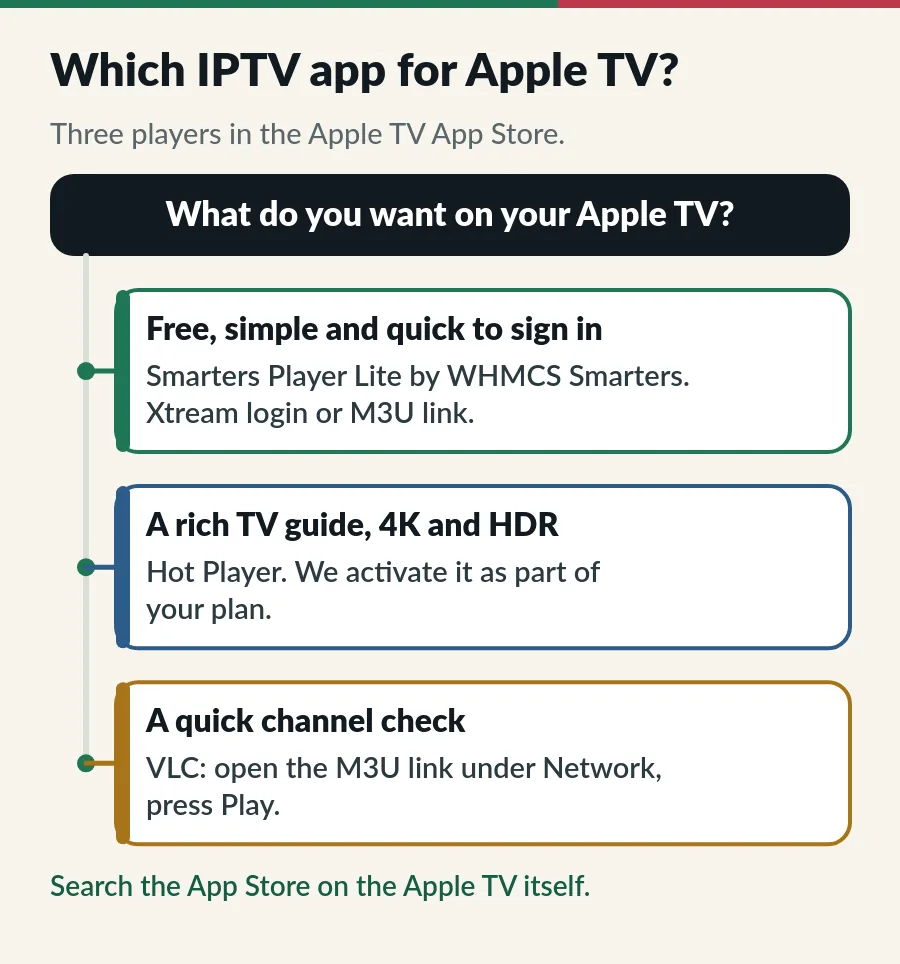
| App | Best for | Signs in with | Cost |
|---|---|---|---|
| Smarters Player Lite | Simple everyday viewing (tvOS 12+) | Xtream Codes login or M3U link | Free |
| Hot Player | A rich TV guide, 4K and HDR (tvOS 15+) | Xtream Codes login or M3U link | Activation included in your plan |
| VLC | A quick check of one channel (tvOS 13+) | M3U link | Free |
Smarters Player Lite is the Apple version of IPTV Smarters, made by WHMCS Smarters. The same free app runs on iPhone, iPad and Apple TV, signs in with an Xtream Codes login and shows live TV, films and series with a TV guide. It is the one we suggest for IPTV on Apple TV if you simply want to start watching. Our IPTV Smarters Pro guide explains each login box.
Hot Player is the app we activate on smart TVs and sticks, and its App Store version runs on Apple TV too. It has a polished TV guide, 4K with HDR10 and HLG, favourites, a PIN lock and voice search within your playlist. Activation is part of your plan: send us the device details (MAC address) shown in the app on WhatsApp with your order number, and we activate it, so you do not need Hot Player Premium, the yearly subscription the app offers through your Apple ID. Your plan includes one activation for each device on Standard and one for each account on Premium; our Hot Player IPTV page explains how it works.
VLC is the free, open-source player from VideoLAN. It opens your M3U link as one long channel list with no TV guide, so keep it for checking that a channel plays, or as a backup. The best IPTV player apps guide compares players for every other screen.
Looking for Kodi? Its makers do not offer it in the App Store; putting it on an Apple TV means building it on a Mac with developer tools and installing it again every so often. For IPTV on Apple TV, an App Store player is far simpler.
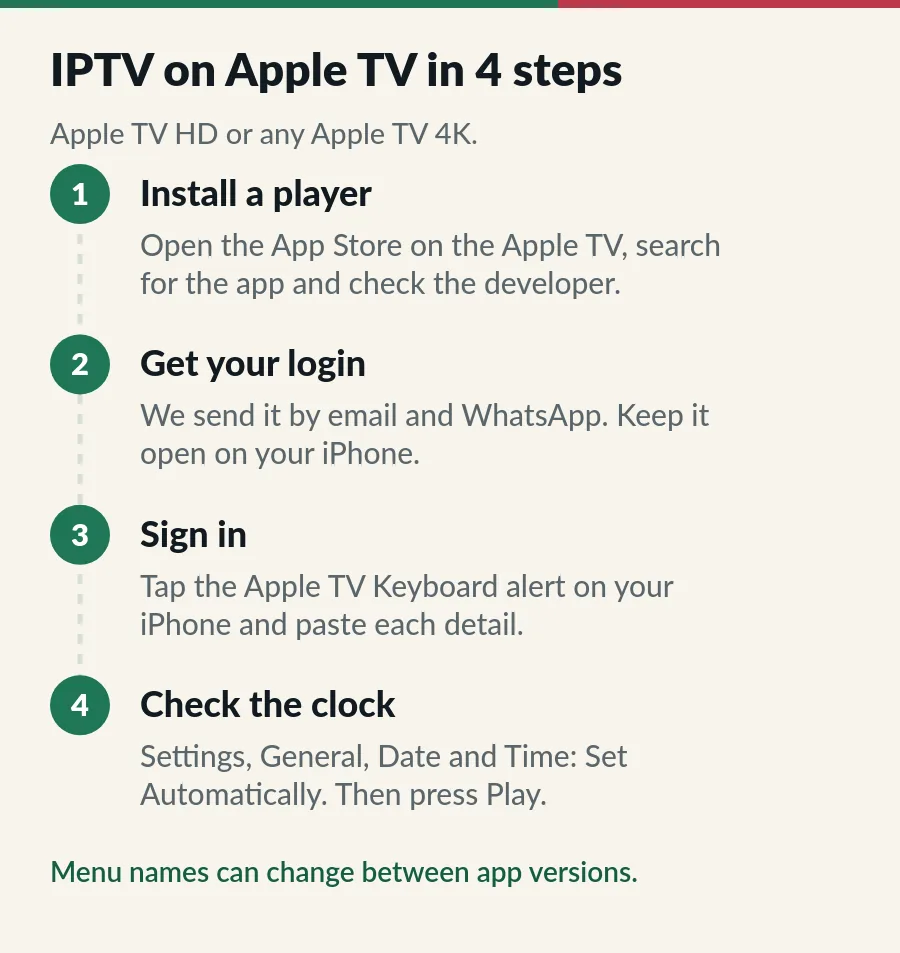
The iPhone keyboard needs the iPhone and the Apple TV signed in to the same Apple Account, with Wi-Fi and Bluetooth on; Apple’s guide shows it step by step. Without an iPhone, the on-screen keyboard works too: slower, but fine for a one-time login. Menu names can change from one app version to the next; if a button is called something slightly different, look for the playlist or account settings.
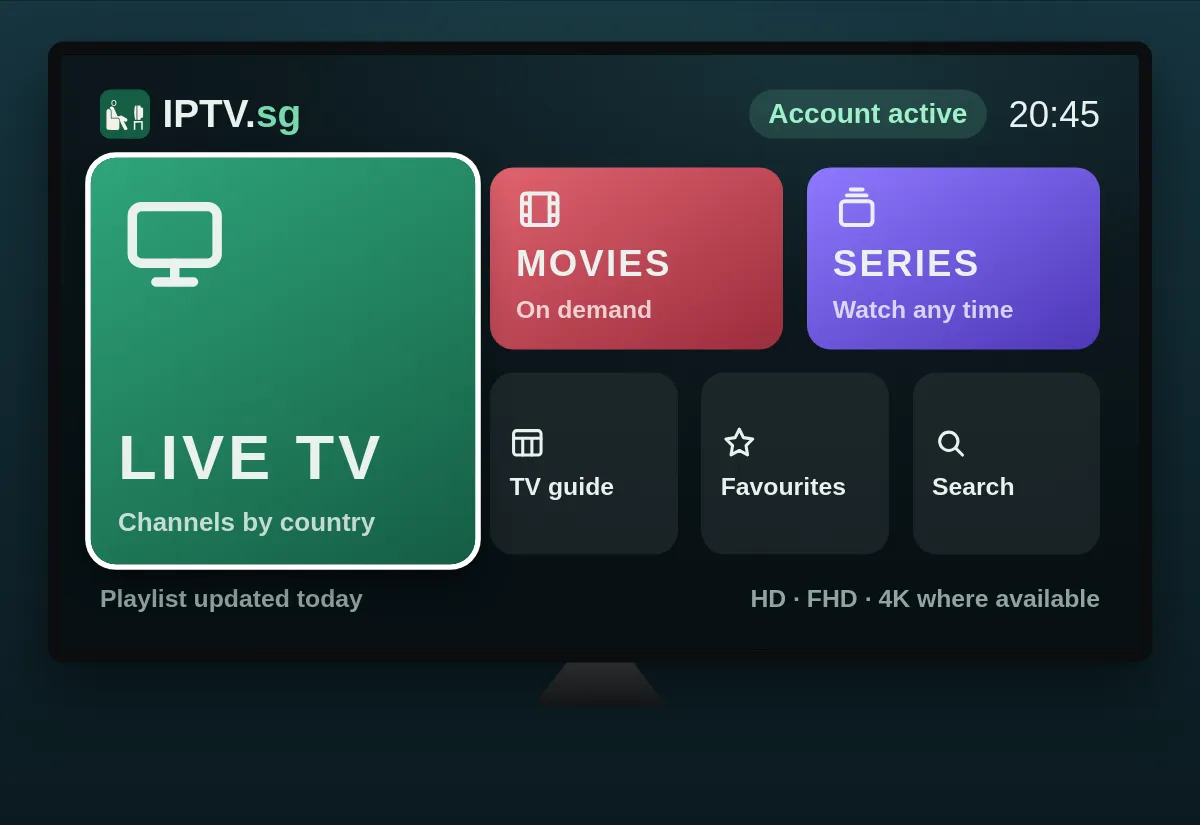
Our Xtream Codes guide explains each part of the login and what the usual error messages mean, and the M3U playlist guide covers the single-link option.
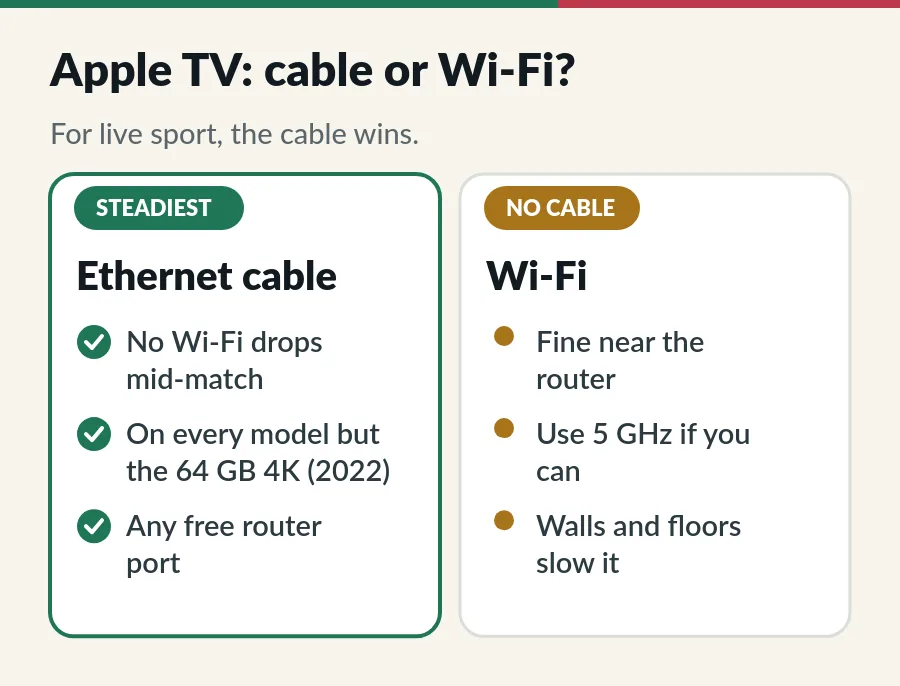
Live TV streams without pause, so a steady connection matters more than a fast one. Most Apple TV models have an Ethernet port: the Apple TV HD, the first two Apple TV 4K models and the 128 GB Apple TV 4K from 2022. Only the 64 GB Wi-Fi model from 2022 has none. If your router is close by, a cable is the single best upgrade for IPTV on Apple TV.
On Wi-Fi, join the 5 GHz network if your router shows one, keep the Apple TV out of a closed cabinet and give it a clear path to the router. In many flats the router sits in another room, far from the TV; a mesh Wi-Fi point near the TV fixes that. If the picture still stops and starts, our IPTV buffering fixes go through the rest.
A few settings make IPTV on Apple TV look and feel better, especially for live sport and films.
Install players only from the App Store on the Apple TV, and check the developer name before you select Get: several apps borrow the Smarters name or copy each other’s icons. Be wary of anyone selling a “pre-loaded” Apple TV or a paid code that unlocks free channels; a standard Apple TV and a legitimate player are all you need.
Treat your login like a password: the server URL, username and password, or the playlist link, give access to your plan. Do not post them in chat groups or paste them into websites that offer to “check” playlists. If you think they have leaked, message us and we help you secure your account.
| What you see | What to try |
|---|---|
| The app is not in the App Store | Search on the Apple TV itself, not on the iPhone, and update tvOS: Hot Player needs tvOS 15 or later. |
| Login failed | Paste the server URL, username and password again from your iPhone, with no space at the end. The URL must start with http:// and include the port if we sent one. |
| No keyboard alert on the iPhone | Sign both devices in to the same Apple Account and turn on Wi-Fi and Bluetooth on the iPhone, or use the on-screen keyboard. |
| TV guide is empty | Refresh the TV guide in the app’s settings and give it a few minutes; see the EPG guide. |
| Guide times are hours out | In Settings, General, Date and Time, turn on Set Automatically, with Singapore as the time zone. |
| Picture stops and starts | Use an Ethernet cable or 5 GHz Wi-Fi, or pick the HD version of the channel. |
| Screen goes blank when the channel changes | That is Match Content switching the TV to the new format; turn it off under Video and Audio if it bothers you. |
| Stops when another screen starts | Check how many screens your plan covers (Standard vs Premium). |
| Plan expired message | Renew before the end date to keep your login (see IPTV renewal). |
Still stuck? Work through the IPTV troubleshooting checks in order, or message us on WhatsApp with the app name and a photo of the screen.
With IPTV on Apple TV the player is free or comes with a trial; the channels come from your plan. Here is where to go next.
Yes. Smarters Player Lite and VLC are free in the Apple TV App Store, and Hot Player activation is part of your plan. None of them include channels: they play the login from your IPTV plan.
Yes. The App Store lists it as Smarters Player Lite, by WHMCS Smarters, and the same app runs on iPhone, iPad and Apple TV. Many other apps use the Smarters name, so check the developer before you install.
Yes, on tvOS 15 or later, and its activation is part of your plan: send us the MAC address shown in the app with your order number and we activate it. You do not need the subscription the app offers.
Only the Apple TV HD and the Apple TV 4K models have an App Store. An older Apple TV cannot install a player, but it can still show IPTV sent from an iPhone or iPad with AirPlay: see IPTV on iPhone and iPad.
No. That app is Apple’s own store for films and series, and it cannot open an IPTV login. On those TVs, install a player from the TV’s own app store: see our guides to IPTV on Samsung Smart TV and IPTV on LG Smart TV.
Both work well. An Apple TV costs more and suits homes full of iPhones; a Fire TV Stick is cheaper and runs Hot Player, which we activate for you. See IPTV on Firestick and IPTV on Android TV.
Yes, plus a 4K TV and about 25 Mbps for each 4K screen. The Apple TV HD plays up to 1080p. Our 4K IPTV guide explains what to expect.
Yes, within your plan. Standard covers 1 to 3 devices on one account, all playing at once on a 3-device plan. Premium gives 1 to 3 separate accounts, each playing on one screen at a time.
Guide
Pick an App Store player, sign in and watch on your iPhone, iPad or TV.
Guide
Install the app, sign in with Xtream Codes and fix login errors.
Guide
Six player apps compared by device, sign-in, TV guide and price.
Guide
Pick a player for macOS, add your login and watch on your Mac or TV.
Message us on WhatsApp and we send the login or playlist link your Apple TV player needs.